Connecting the World Through Localized Content
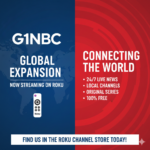
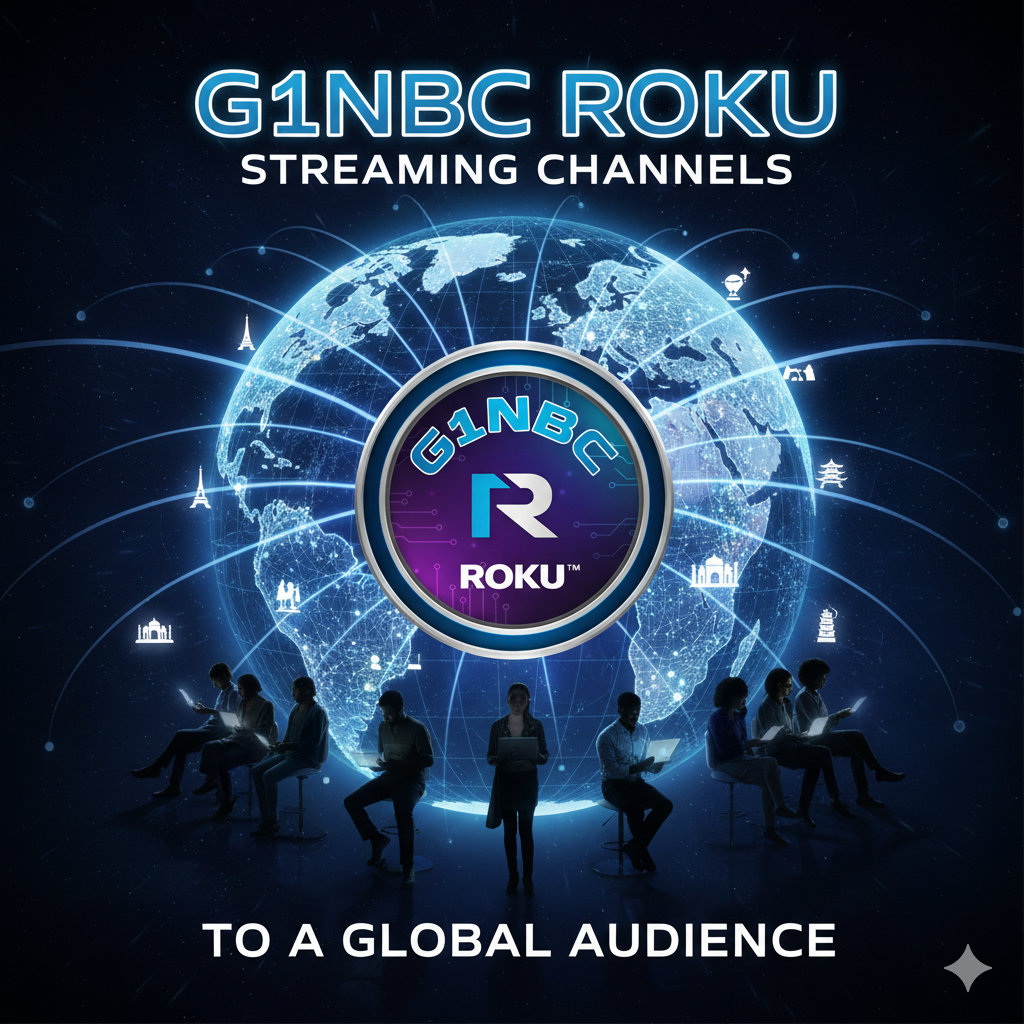
G1NBC (Global 1 Network Broadcasting) has officially expanded its digital footprint by launching a dedicated suite of streaming channels on the Roku platform, targeting a global audience. This move marks a significant milestone in G1NBC’s mission to provide hyper-local news and entertainment to international communities, leveraging Roku’s extensive reach in the FAST (Free Ad-Supported Streaming TV) market.
Key Highlights of the Global Rollout
- 24/7 Global Access: Viewers across North America, Europe, and Latin America can now access G1NBC’s live broadcasts and on-demand content directly through the Roku Channel Store.
- Hyper-Local Focus: The expansion includes a variety of regional “G1NBC Affiliate” channels, allowing users to stay connected with news, weather, and community events from specific locales worldwide.
- Diverse Content Library: Beyond news, the streaming lineup includes:
- Community Spotlights: Interviews with local leaders and business owners.
- Original Reality Series: Showcasing talent and cultural trends from major hubs like New York, Los Angeles, London, and Tokyo.
- Special Reports: Deep dives into social issues and global human-interest stories.
- Zero-Cost Streaming: In alignment with current industry shifts toward ad-supported models, the channels are available for free to Roku users, supported by targeted advertisements.
Why This Matters
As of early 2026, the streaming landscape is shifting toward the “extinction of ad-free viewing,” with major platforms like Roku prioritizing free, ad-supported content. By establishing a strong presence on Roku, G1NBC positions itself as a primary source for viewers who seek “The Local Pulse of the World” without the barrier of a subscription fee.
“Our goal is to ensure that no matter where you are—from a small town in the Midwest to a vibrant city in Ghana—you can find a G1NBC channel that speaks to your community while connecting you to the global stage.” — G1NBC Network Statement
How to Watch
- Navigate to the Roku Channel Store on your device.
- Search for “G1NBC.”
- Select your preferred regional or global G1NBC channel and click “Add Channel.”
Would you like me to draft a social media announcement or a more detailed press release based on this news brief?